
Breadcrumb
Netglare: For CTOs – The Difference Between 'We Fixed It Again' And 'We'll Never Have This Problem Again'
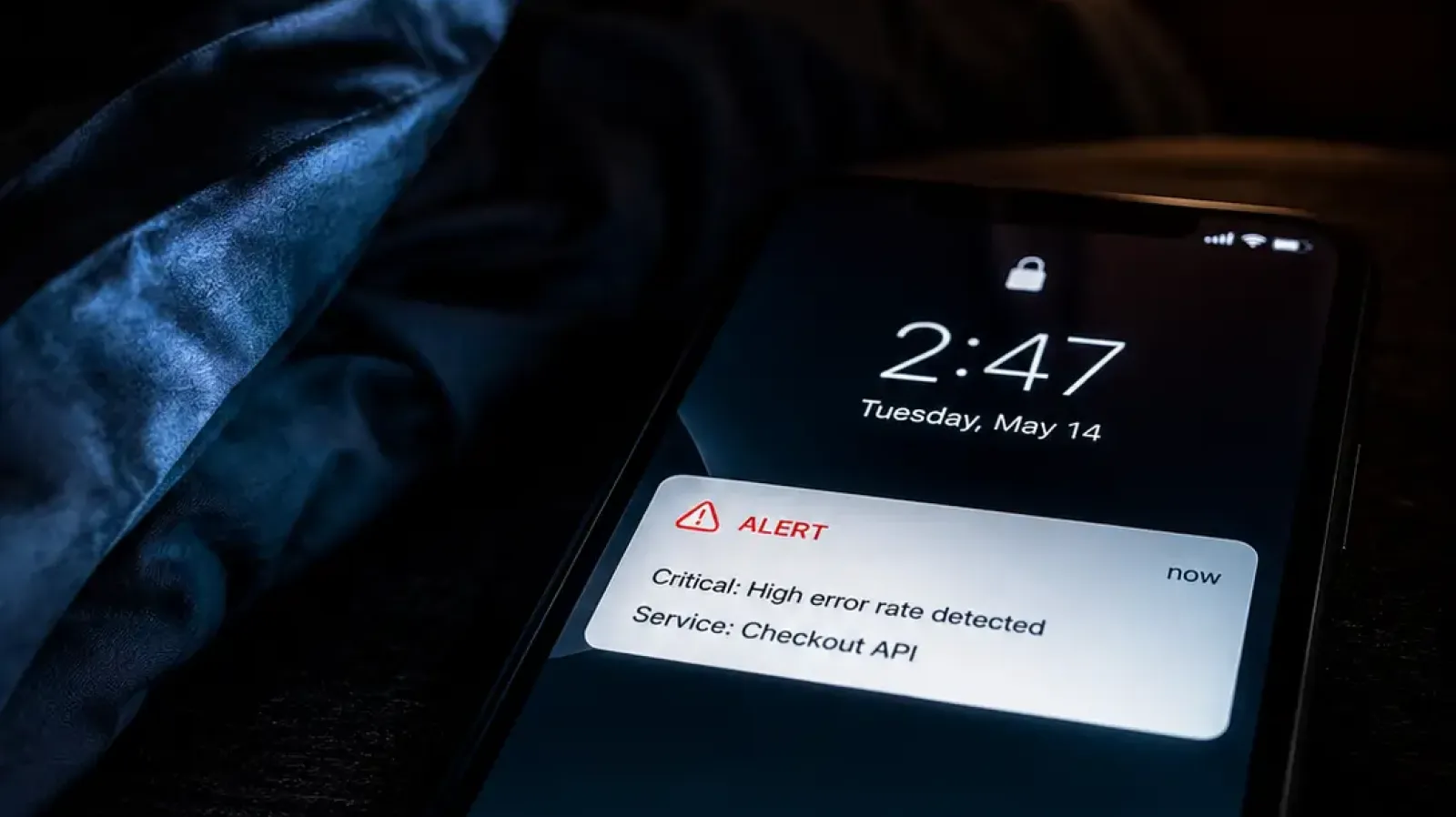
Monitoring tools for CTOs have a reputation problem. Most of them are excellent at telling you when something broke and completely unhelpful at telling you why it keeps breaking, which engineer should care about it, and whether the forty seven alerts that just fired are forty seven problems or one problem with forty seven symptoms. That distinction matters enormously when your best engineers are on call and their patience with 2am pages is not infinite.
Your infrastructure is like a toddler. Everything's fine until it's not. And when it's not, everyone looks at you.
The Alert Fatigue Problem Most CTOs Don't Admit
Alert fatigue in engineering teams follows a predictable pattern. Monitoring gets set up, thresholds get configured, alerts start firing. Some of them matter. A lot of them don't. Engineers learn quickly which alerts are worth waking up for and which ones can wait until morning, which means they're making judgment calls in real time about which notifications to take seriously. That's not a monitoring system working well. That's a monitoring system that's trained your team to ignore it selectively and hope they guessed right.
The real cost isn't the missed alerts. It's the cumulative weight of constant interruption on the people you most need to be building instead of firefighting. Every false alarm at 2am is a tax on someone's ability to do their best work the next day. Every alert that requires three dashboards to investigate is time spent reconstructing context instead of solving problems. Every recurring incident that gets patched without being understood is a future 2am page that's already been scheduled, just not yet announced.
Monitoring tools for CTOs should be solving this problem. Most of them are making it worse by treating all alerts as equal and leaving the signal-to-noise judgment entirely to the humans who are already exhausted from making it.
What Alert Grouping Actually Changes
When something breaks in your infrastructure, everything downstream breaks with it. Your server goes down, your database loses its connection, your API starts failing, your endpoints time out, your users can't log in. A monitoring tool that treats each of those as a separate alert gives your on-call engineer forty seven notifications for one incident and no clear indication of where to start.
Netglare groups related alerts into single incidents so your team sees the problem instead of the consequences of the problem. One incident, everything affected listed clearly, a starting point for investigation that doesn't require reading forty seven notifications to construct. The noise disappears and the signal gets loud enough to act on immediately without spending the first twenty minutes of an incident just figuring out what actually broke.
This is the first thing monitoring tools for CTOs should do well: tell you what happened, not everything that happened because of what happened.
What Threshold Calibration Changes
The second thing monitoring tools for CTOs should do is learn from your infrastructure instead of asking you to configure it perfectly from day one. Threshold configuration is one of those tasks that sounds straightforward and turns out to be surprisingly difficult because your infrastructure's normal behavior isn't static and the right threshold for an endpoint on a quiet Tuesday is different from the right threshold during peak traffic on a Friday afternoon.
After seven days of alert frequency data, Netglare starts recommending threshold adjustments based on your specific infrastructure's actual behavior. Not demanding changes, not automatically reconfiguring anything, just surfacing the observation that this endpoint has triggered alerts at this threshold twenty three times in the past week and based on its normal behaviour pattern the threshold appears too sensitive. Here's what it would suggest instead.
That's the difference between a monitoring tool that requires your team to maintain it and one that helps maintain itself over time. The engineers who set up your monitoring in the first place had good intentions and imperfect information. Threshold calibration closes the gap between what they configured and what your infrastructure actually needs.
What The Weekly Digest Changes For Engineering Teams
Monitoring tools for CTOs tend to focus entirely on real-time alerting and leave the weekly picture to whoever remembers to check the dashboard on Monday morning. That works fine for the engineers who are in the dashboards daily. It doesn't work at all for the engineering manager who needs to understand the week's shape before stand-up, or the CTO who wants weekly infrastructure health without requiring everyone to navigate a new tool.
Every Monday at 08:00 EAT, Netglare sends every verified user on your account a weekly infrastructure health report compiled from seven days of monitor snapshots. Overall weighted uptime across all endpoints, per-endpoint performance sorted worst-first so you know immediately where to focus engineering attention, p95 response times, total incident count, average mean time to resolution, and a status classification for every endpoint. If an endpoint had a perfect week, it gets recognized specifically. Good weeks deserve acknowledgment the same way bad weeks deserve attention.
The digest doesn't replace the dashboard. It extends visibility to everyone who should understand infrastructure health but realistically won't log into a monitoring tool unless something is actively on fire.
What Changes For Your Team
The engineering teams that benefit most from better monitoring tools aren't the ones with the most incidents. They're the ones who've decided that managing incidents reactively is not a sustainable way to build reliable systems and are looking for tooling that supports a different approach.
Alert grouping means your on-call engineer gets woken up for incidents, not symptoms. Threshold calibration means your monitoring gets smarter over time instead of generating the same false alarms indefinitely. The weekly digest means your entire team starts Monday with the same picture of how the previous week went, which changes the quality of conversations about where engineering attention should go next.
The goal of monitoring tools for CTOs should be an engineering team that trusts its alerts, understands its infrastructure, and spends more time building reliable systems than responding to the noise generated by monitoring that was never properly tuned. That's what Netglare is built to deliver.
Head to netglare.com to see what your alert experience could look like. Sign up for a trial and monitor your infrastructure for a week. Or reach out directly at getstarted@gatoblan.co if you want to talk through your specific engineering situation.